Click here for Brochure (this will open a new Window)
Below are some screen shots of the application but please note the screen layout etc MAY change
as the application is STILL being improved and updated when needed.
as the application is STILL being improved and updated when needed.
RetailPoS Point of Sale
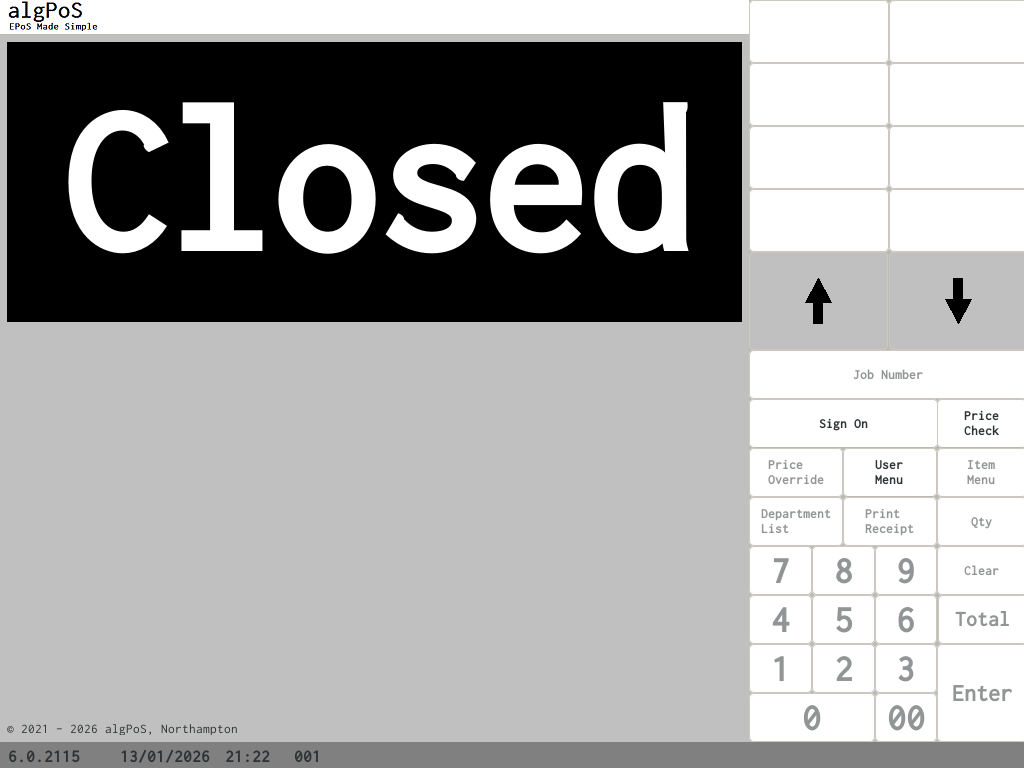
At algPoS we have always has security at the heart of our systems. So when a user has signed off the Point of sale the system is Locked.
If the PoS is running a graphical customer display then is would be when adverts are being displayed on the screen.
If the PoS is running a graphical customer display then is would be when adverts are being displayed on the screen.
The above screen shows all active cashiers that is set up onm the system. The PoS can be set to ask for ID number instead of the list

Once a cashier has signed in they will see the above screen. This is the heart of the RetailPoS system as this is the screen that Sales are processed on.The system can be set to show a Min Date of Birth on the srceen


The Point of sale system has built in age verification screens and this screen is always display whenever a age limited product is scanned (unless the age of the item is less than the previous age item example you sell a item for age 18 and then a item for age 15 the PoS will not ask you to verify the age again as the 15 is younger than the 18 item)
The Point of sale system also has the power to help you stay legal with your age refusal logs. If you have the PoS Configured to track ages refusals then when a cashier says No to the age check the system will present to the user a list of reason why they refused the sale and it will NOT allow you to carry on until a reason has been selected.
The Point of sale system also has the power to help you stay legal with your age refusal logs. If you have the PoS Configured to track ages refusals then when a cashier says No to the age check the system will present to the user a list of reason why they refused the sale and it will NOT allow you to carry on until a reason has been selected.
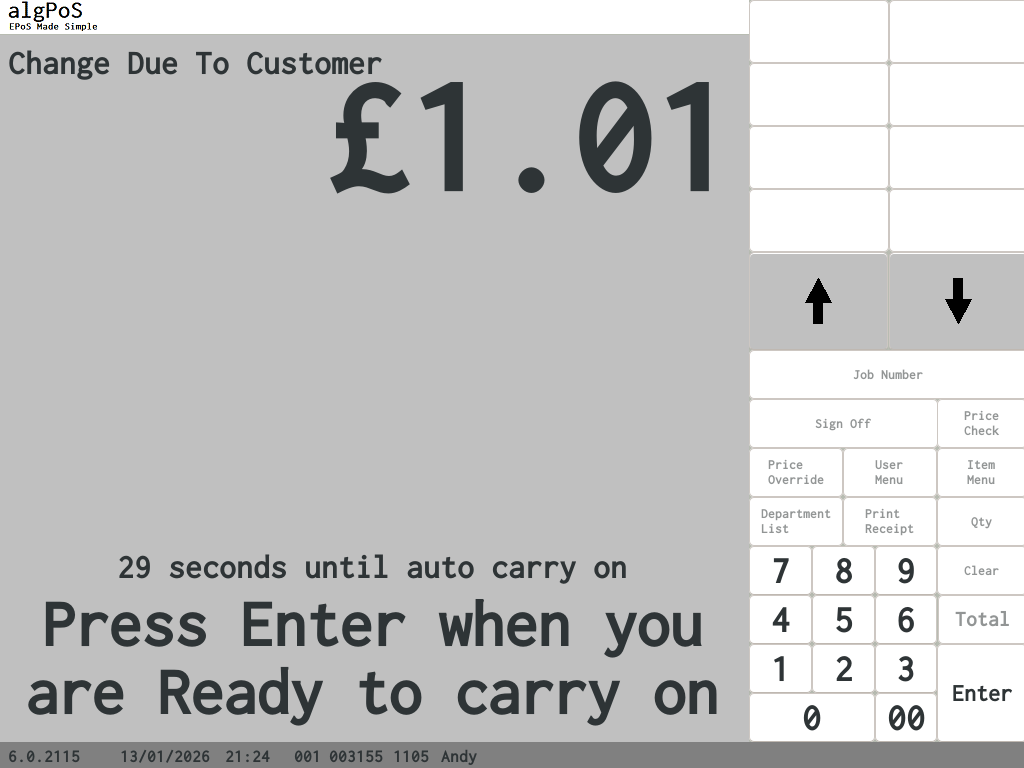
This is the change due screen this is displayed at end of every sale to open the cash drawer. This screen will not go away until the cash drawer has been closed. (the time the drawer is open and closed is recorded in the database for security reason)
In version 6 and up we have added a "Secure Mode" to the PoS terminal. this is idea to use if for any reason the cashier has to leave the terminal (for example to check a price or the store needed to be evacuated) the secure mode and be activated at any time in the sale or when a sale is not in process.
Secure mode can only be turned off by the signed in cashier.
Secure mode can only be turned off by the signed in cashier.
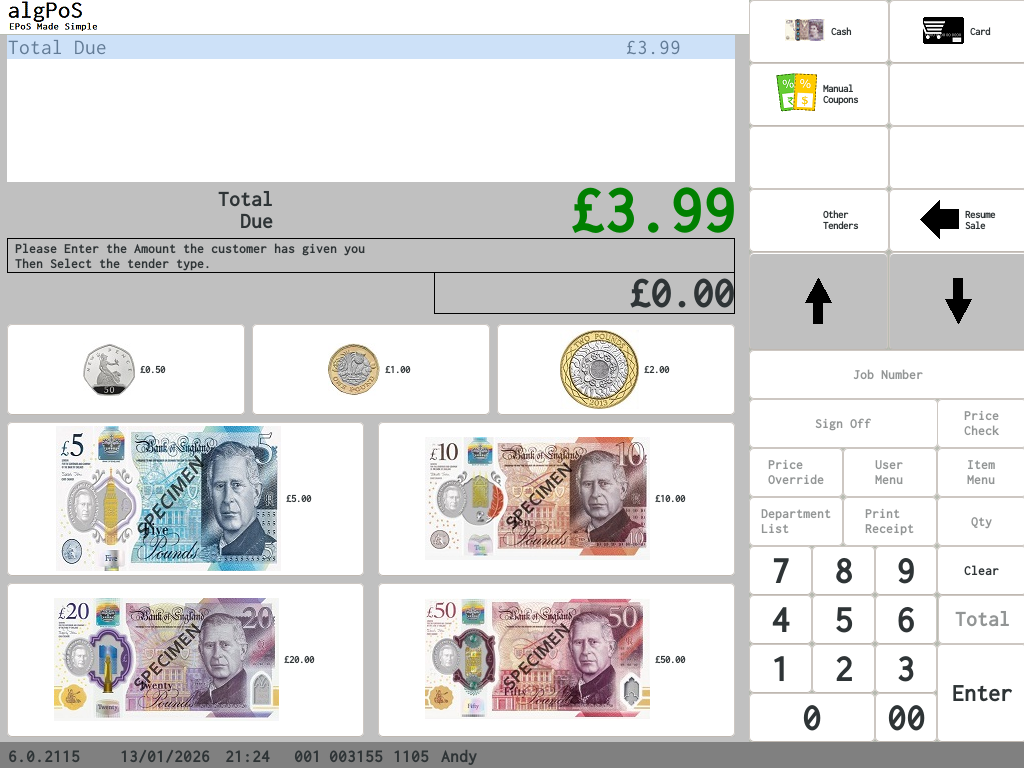
This is the tender screen from here the cashier can completed the transaction
If any Offers have been used duing the transaction they will be listed on this screen as well as any values that can not have a discount agent them (example Pall Mall Kingsize would not allow a discount as this is a tabacco item so the PoS would not allow the discount key to work) if the sale has mixed of non discount and discountble items it will show
Sub total £13.99
Non Discountable £8.97
Discountable value £5.02
If any Offers have been used duing the transaction they will be listed on this screen as well as any values that can not have a discount agent them (example Pall Mall Kingsize would not allow a discount as this is a tabacco item so the PoS would not allow the discount key to work) if the sale has mixed of non discount and discountble items it will show
Sub total £13.99
Non Discountable £8.97
Discountable value £5.02
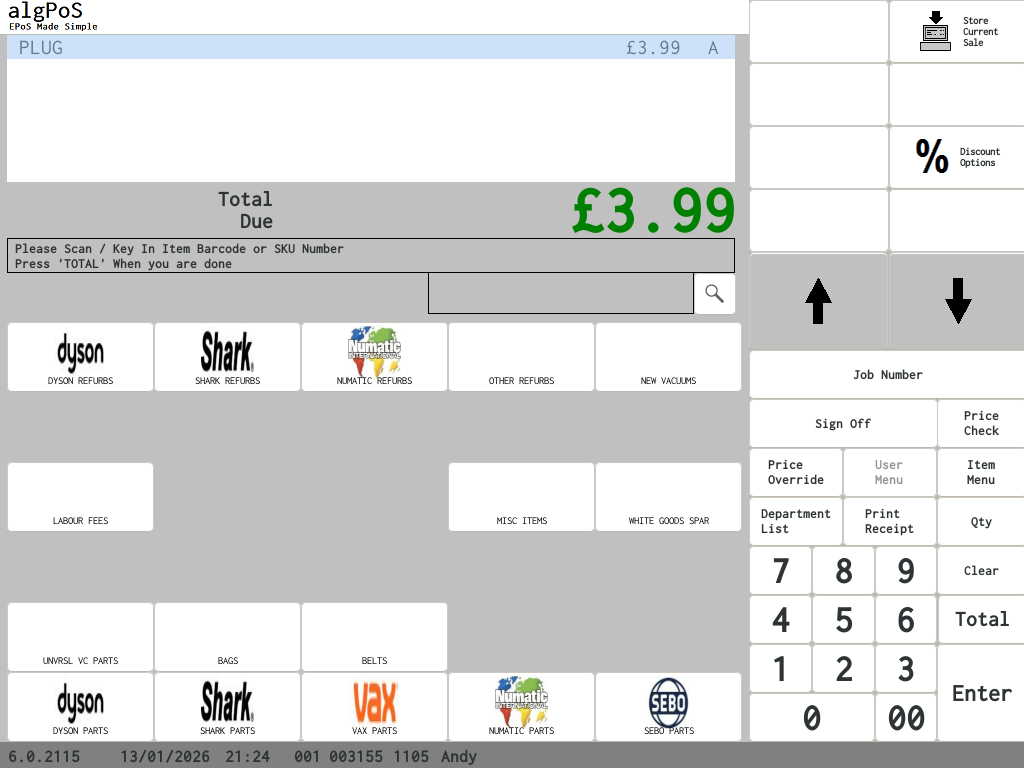
The above image is just a example of a sale in process (this is what the cashier would see)
The System can use upto 40 chrs For the Product Description (20 more them most EPoS System providers)
The System can use upto 40 chrs For the Product Description (20 more them most EPoS System providers)
Version 6 of RetailPoS has a redesgined icon bar to show the users the status of the PoS Terminal at a glance. The icons that can be show are the safe drop icon (as shown in the above screen), Database sync icon, Loylaty card aceppted, No Network Icon, No Card processing service, Recipit Off (as shown in the above screen)
| algPoS - RetailPoS supports the following tenders > Cash > Cheque (not printed) > *Credit card (Manual or Integrated support) > Gift voucher (vouchers can be issued by The PoS Terminal) > Gift Cards (local and online database support available) |
*Integrated Card processing is powered by Payment Sense PS Connect or SumUp
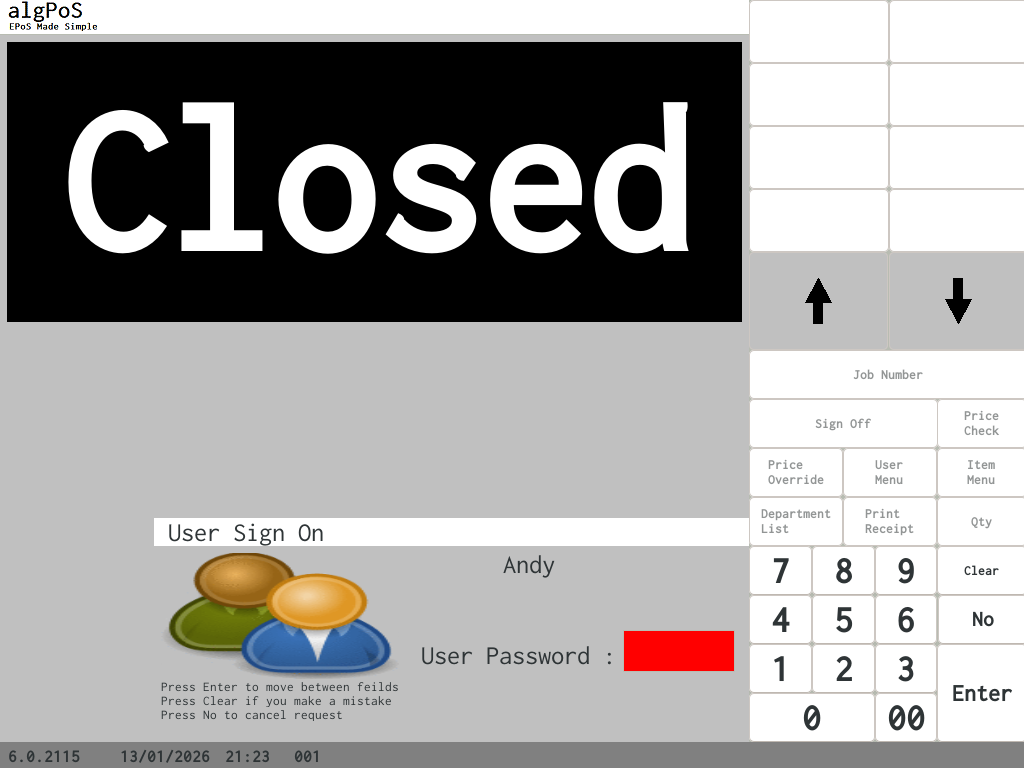
No Matter how the system is configured it will alwasy ask the user for a Password. (this can be upto 4 numbers long)
| Minimum hardware Requirements 1GHz CPU with 2GB RAM 32GB SSD (or 40GB Hard drive or Bigger) Debian 12 A Touchscreen that is configured to wotrk with Debian 2 x 20 Line ESC/PoS Customer Display USB Barcode Reader |
Tel : (01604) 289 431
info@algpos.co.uk
info@algpos.co.uk

